Best Screen Recording Tools
Created at September 23, 2025 • Updated 9/23/2025
✨Capture your screen with ease—whether for tutorials, product demos, or content creation. These tools help you record in high quality and share instantly.
https://www.21oss.com//curated/best-screen-recording-toolsCurated by
BroKarim
@BroKarim
Cap is an open-source alternative to Loom for creating beautiful, shareable screen recordings. The project features a multi-architecture approach with a Tauri (Rust) desktop application using SolidStart on the frontend, a Next.js web application, and shared React components and utilities across the monorepo. Cap includes a comprehensive database layer with Drizzle ORM and standardized configuration across all packages.
Tech Stack:





Stars
16,431Forks
1,165Last commit
2 months agoRepository age
2 yearsLicense
AGPL-3.0
Fetched from GitHub .
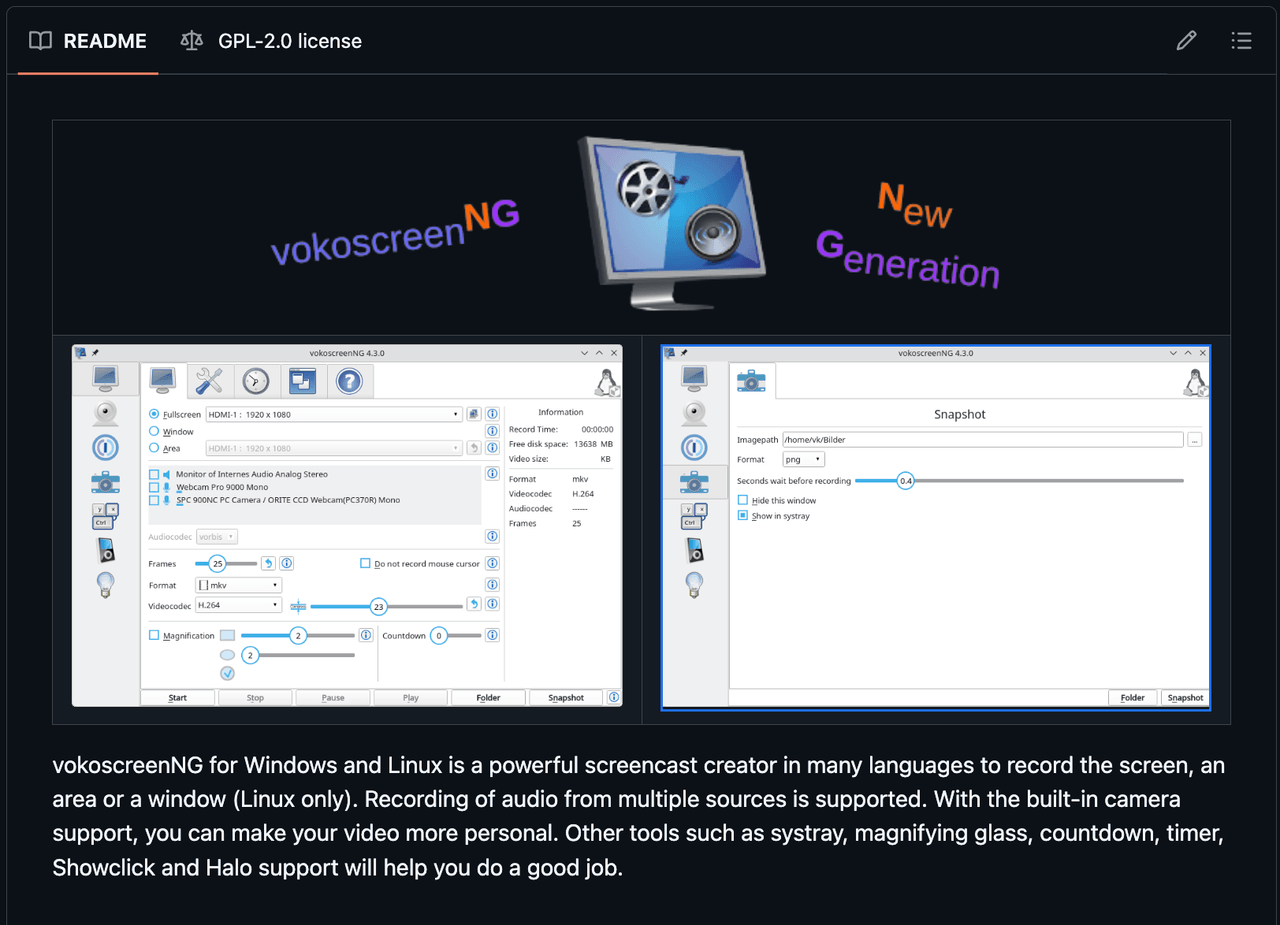
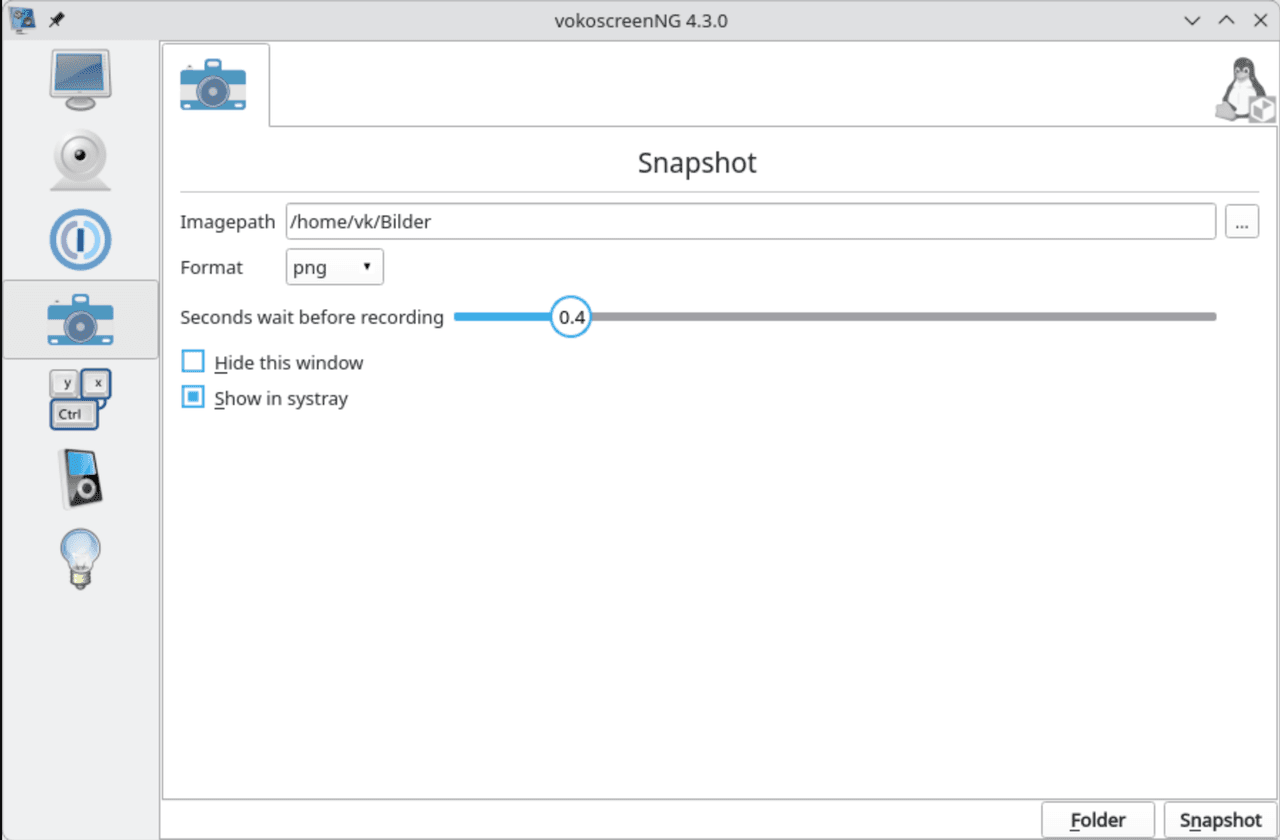
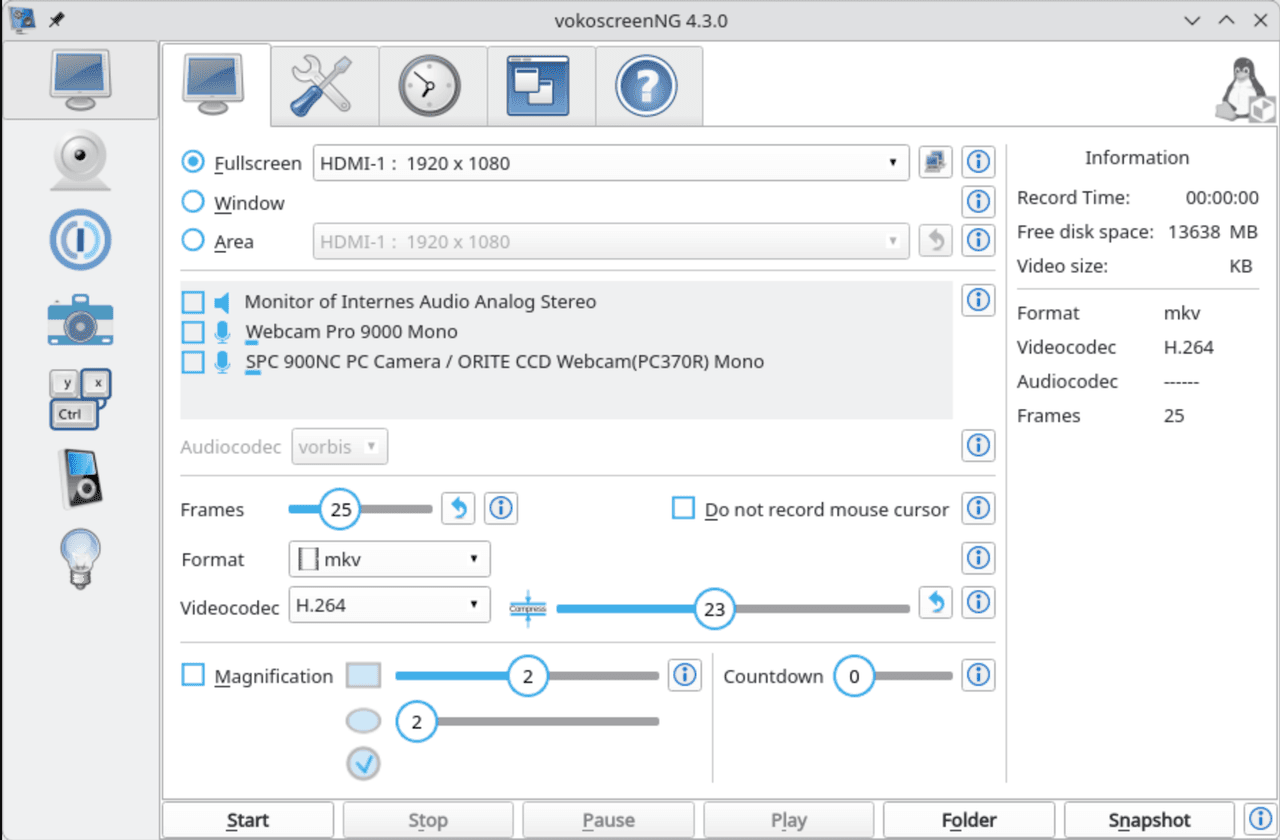
vokoscreenNG is a feature-rich, open-source screen recording application designed exclusively for Linux. It allows users to record the entire screen, specific regions, or individual windows, with support for capturing audio from multiple sources. Built-in webcam integration enables personalized videos, while tools like system tray control, magnifying glass, countdown, timer, Showclick, and Halo effects enhance presentation quality. Developed with C++ and Qt, it offers stability and performance for educators, developers, and content creators.
Tech Stack:
Stars
1,403Forks
109Last commit
2 months agoRepository age
8 yearsLicense
GPL-2.0
Fetched from GitHub .
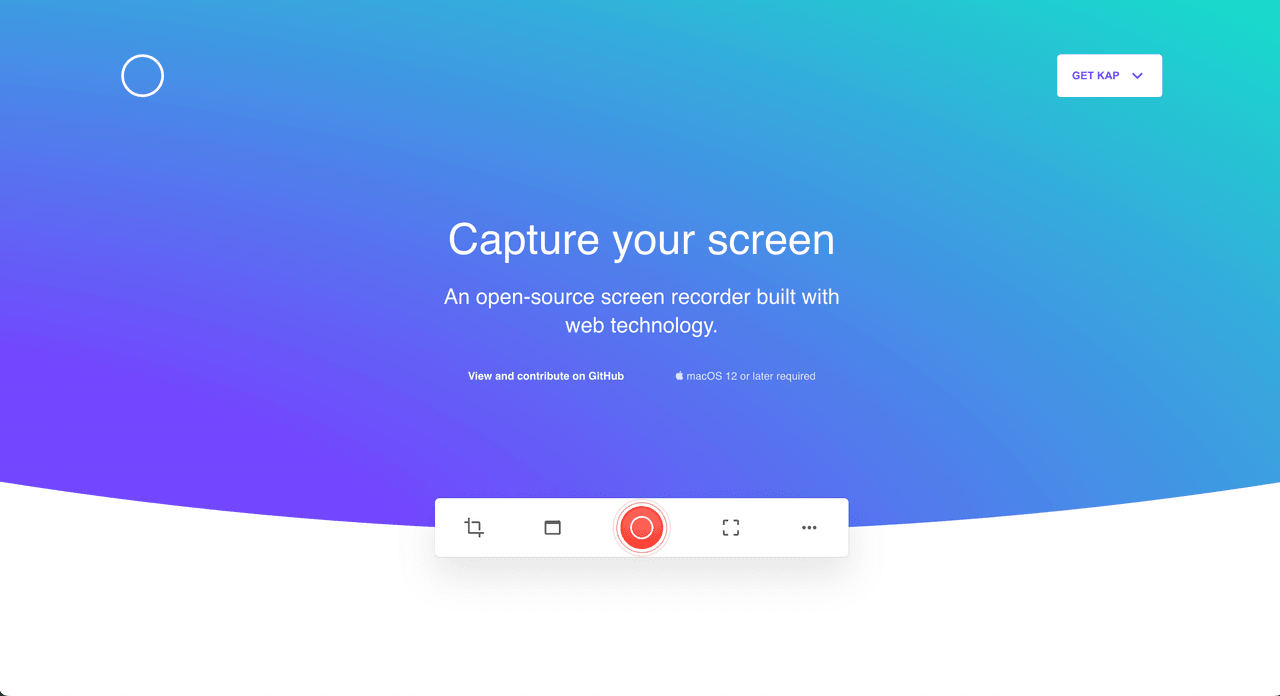
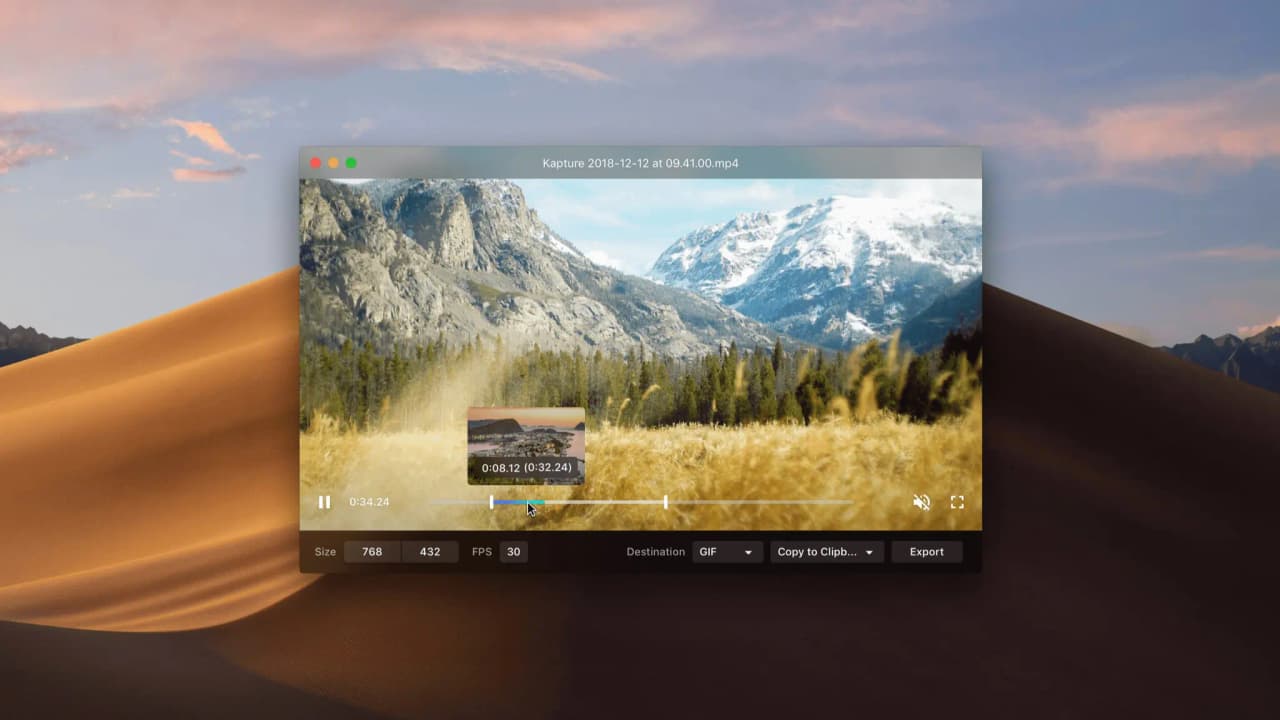
Kap is a powerful, open-source screen recorder designed for macOS. It offers versatile capture options—record the full screen, a specific window, or a custom area—with high-quality output in formats like MP4, WebM, and GIF. Built with Electron and web technologies, Kap includes a built-in editor for trimming, cropping, and adjusting recordings, along with customizable keyboard shortcuts to streamline workflows. It also supports flexible exports, enabling direct sharing to popular platforms or local saving.
Tech Stack:
Stars
19,059Forks
865Last commit
1 year agoRepository age
10 yearsLicense
MIT
Fetched from GitHub .
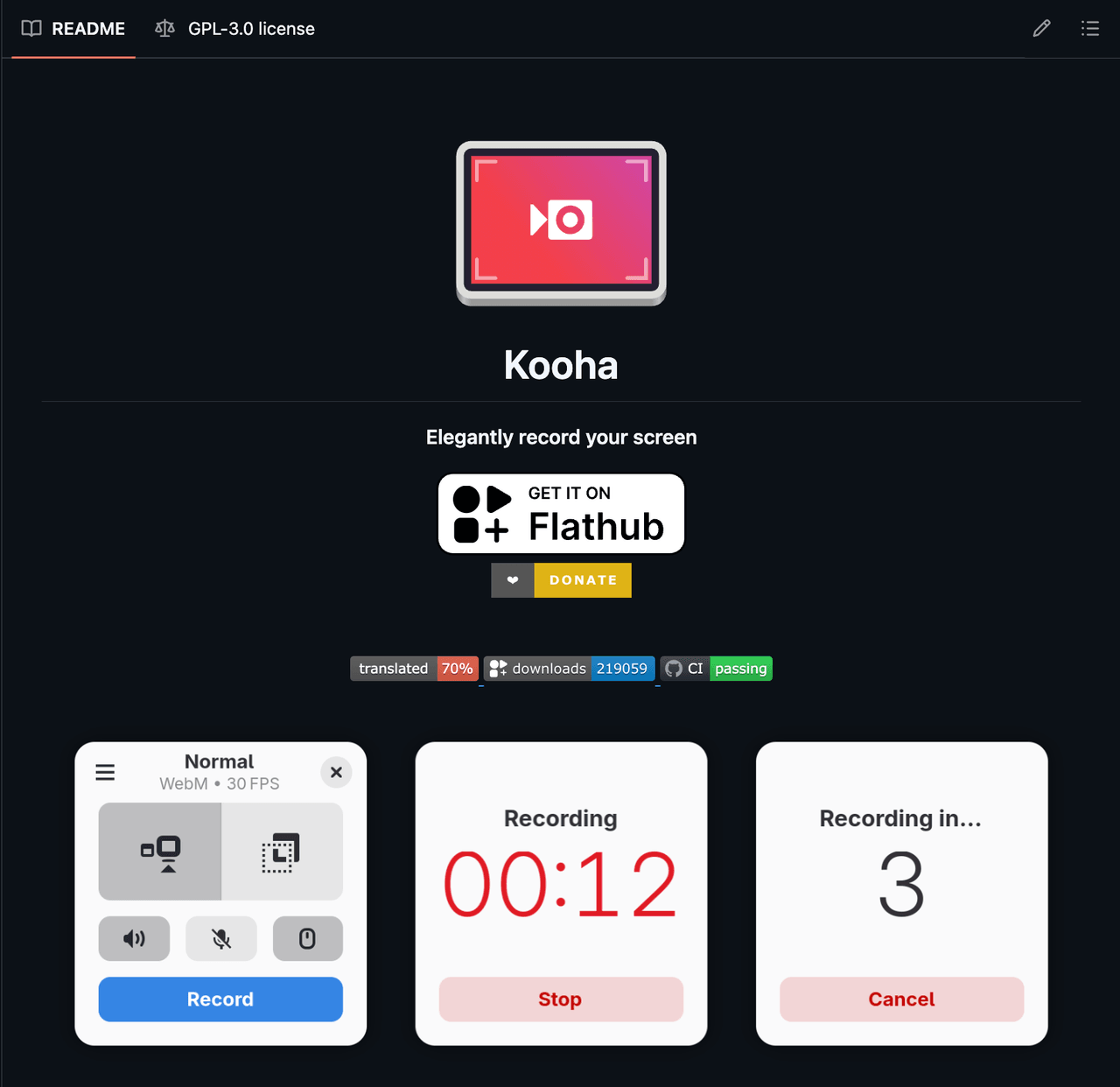
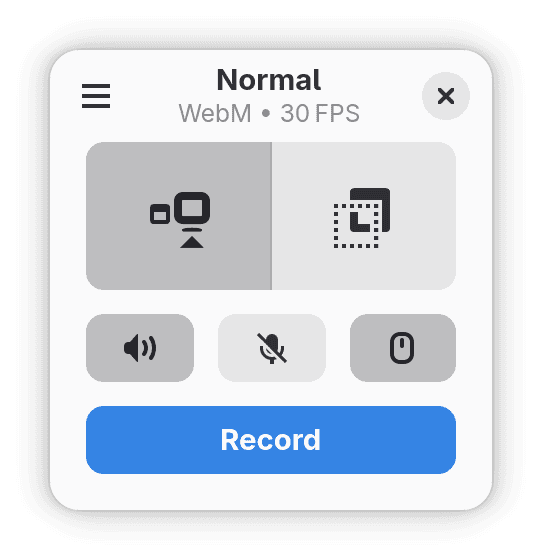
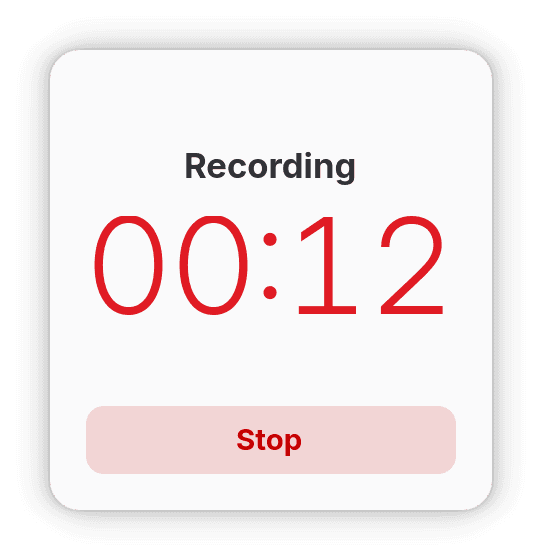
Kooha is a simple and intuitive screen recorder for Linux with a minimal interface, built using modern technologies. It allows users to start recording instantly without complex configurations. Features include simultaneous recording of microphone and desktop audio, support for WebM, MP4, GIF, and Matroska formats, selection of specific monitors or screen regions, and customizable settings such as save location, cursor visibility, frame rate, and recording delay.
Stars
3,195Forks
87Last commit
2 months agoRepository age
5 yearsLicense
GPL-3.0
Fetched from GitHub .
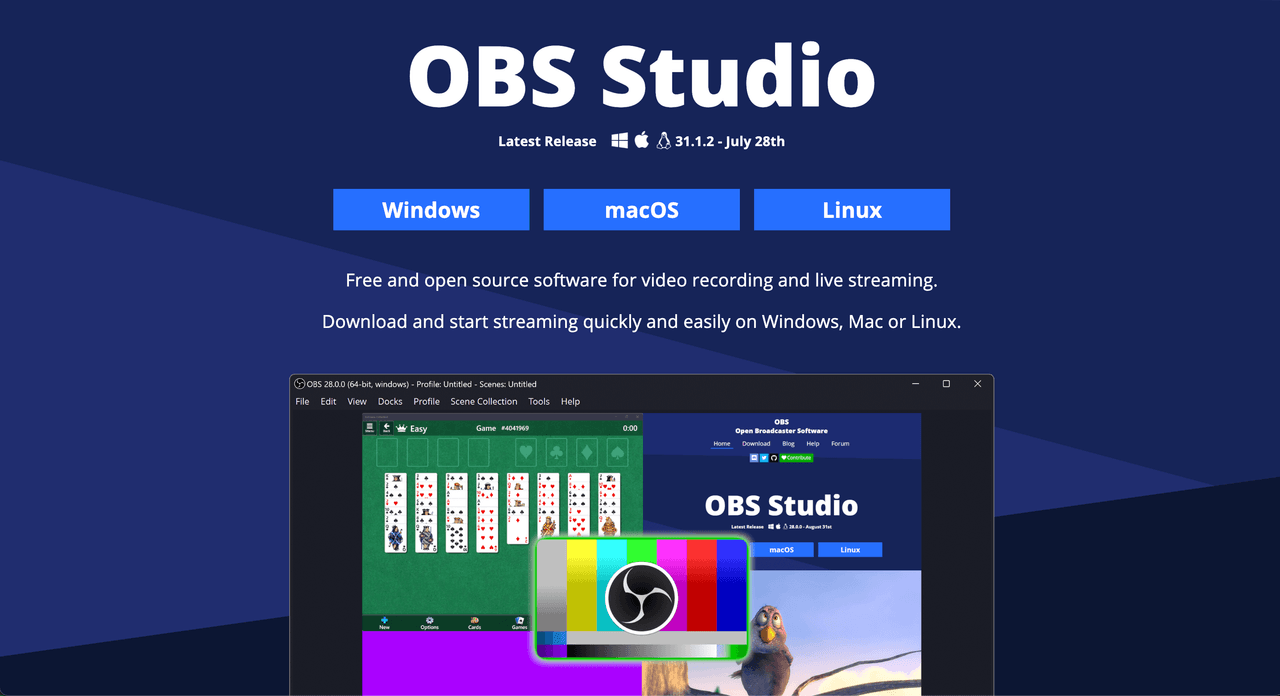
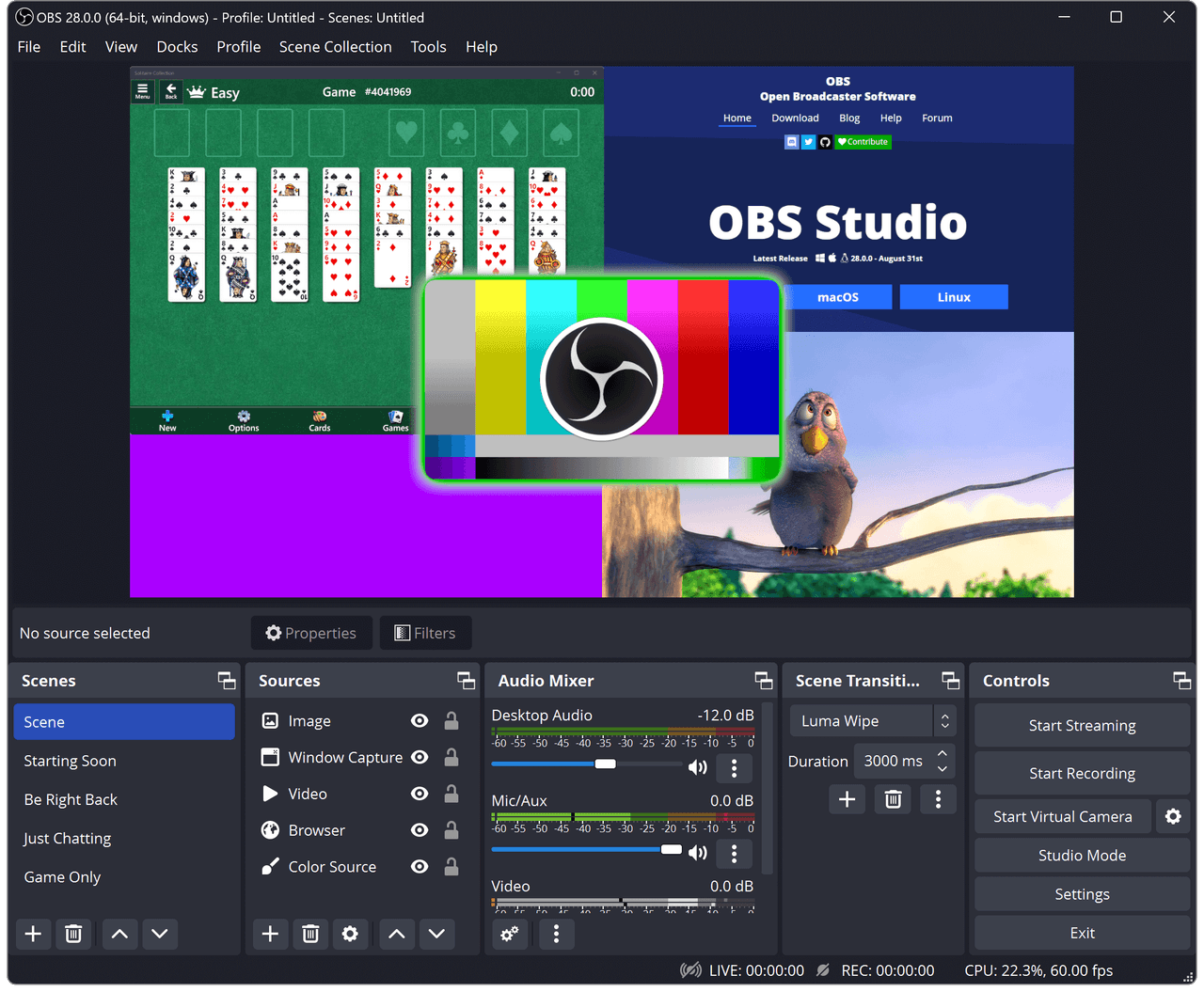
OBS Studio is a powerful, cross-platform tool for capturing, compositing, encoding, recording, and streaming video content. It supports real-time video/audio mixing, scene composition, and high-performance encoding. With a robust plugin ecosystem and scripting support in Lua and Python, OBS enables deep customization and automation. Used by streamers, creators, and professionals worldwide for reliable and scalable live production.


Stars
69,693Forks
8,968Last commit
2 months agoRepository age
12 yearsLicense
GPL-2.0
Fetched from GitHub .

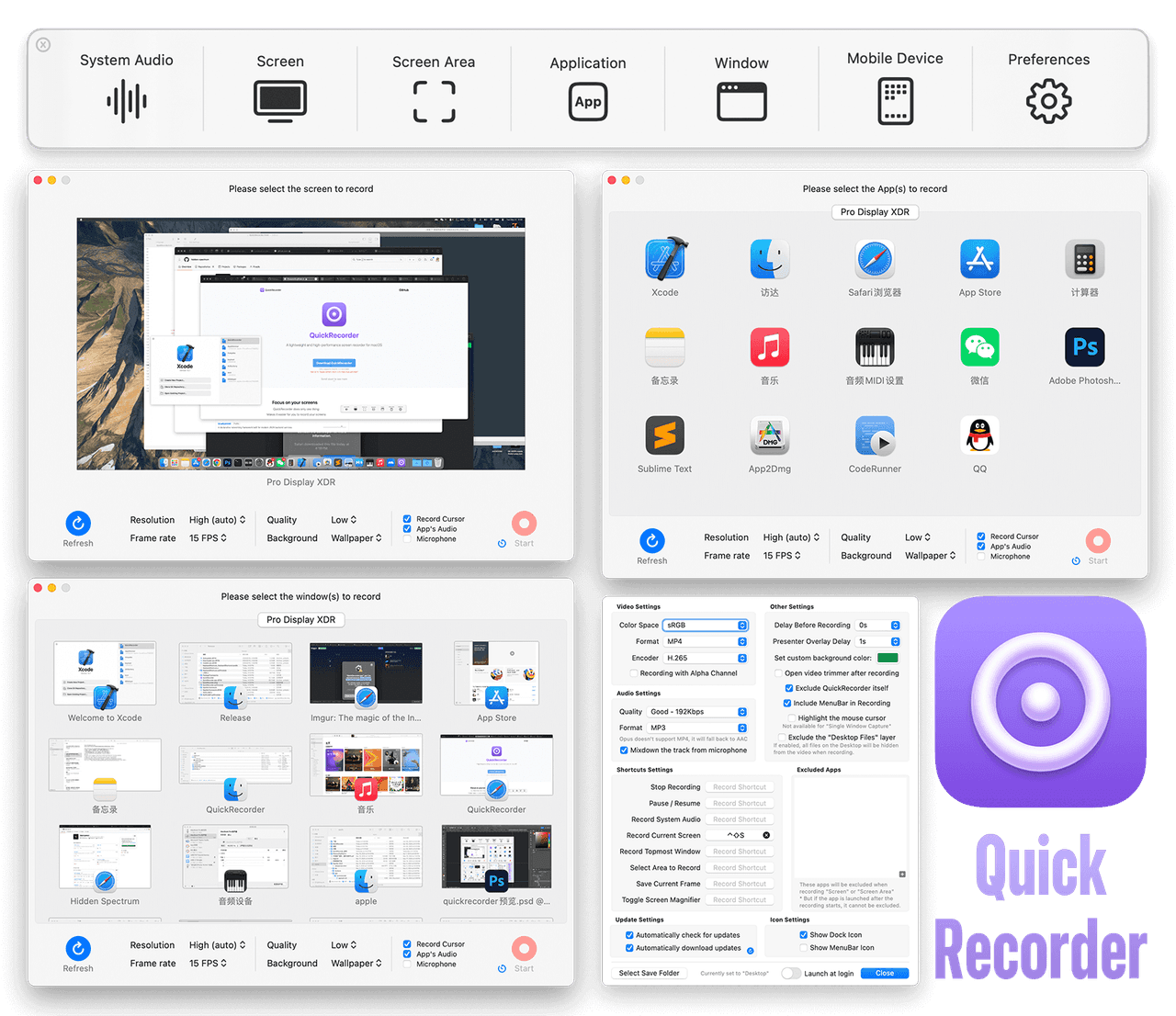
QuickRecorder is a lightweight screen recorder for macOS built using Apple’s modern ScreenCapture Kit. It supports recording the entire screen, specific windows, applications, and even connected mobile devices. Key features include driver-free audio loopback recording, mouse highlighting, screen magnifier, and real-time camera overlay (Presenter Overlay) on macOS 14, with floating window support on macOS 12/13. It also enables HEVC with Alpha channel recording—ideal for professional workflows in iMovie and Final Cut Pro X. Designed for simplicity and performance with no unnecessary bloat.
Tech Stack:
Stars
7,827Forks
433Last commit
9 months agoRepository age
2 yearsLicense
AGPL-3.0
Fetched from GitHub .
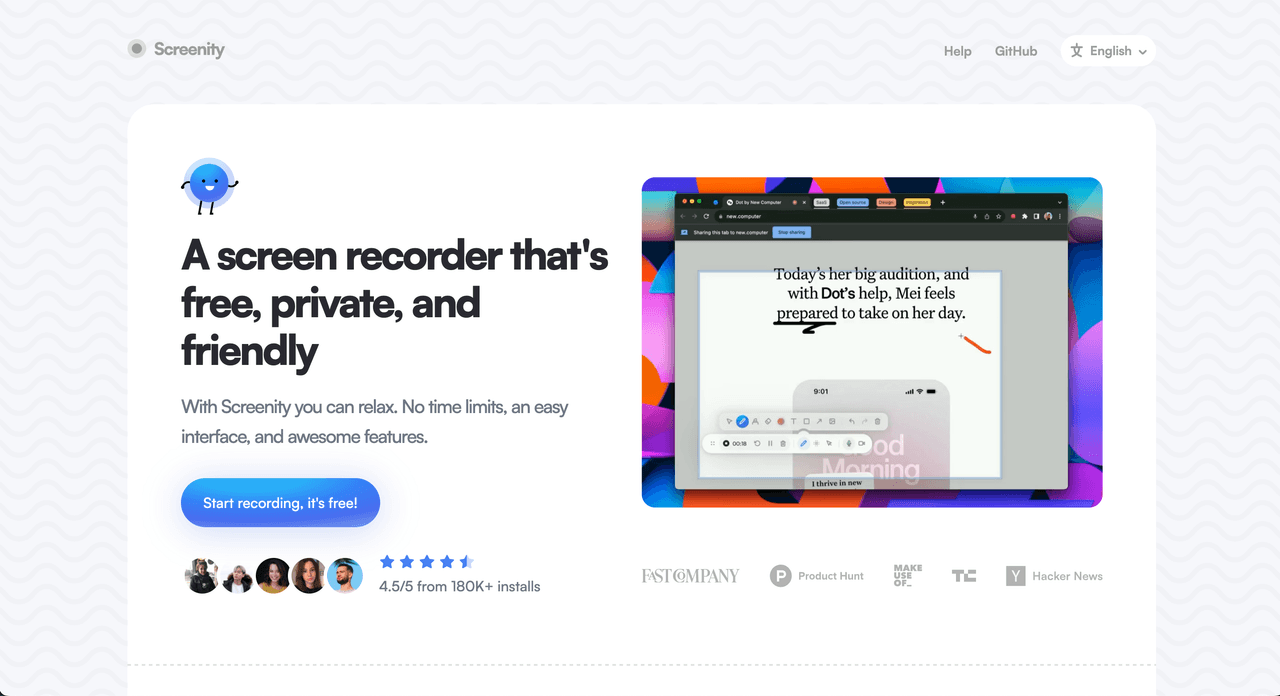
Screenity is a powerful, free screen recorder and annotation tool designed for work, education, and creative collaboration. It enables users to record their screen, webcam, and microphone while adding real-time annotations, making it ideal for creating product demos, tutorials, presentations, and team feedback. Built with privacy in mind, it imposes no time limits or watermarks. Integrates AI-powered features via TensorFlow for enhanced interactivity and usability.
Tech Stack:
Stars
17,783Forks
1,427Last commit
2 months agoRepository age
5 yearsLicense
GPL-3.0
Fetched from GitHub .

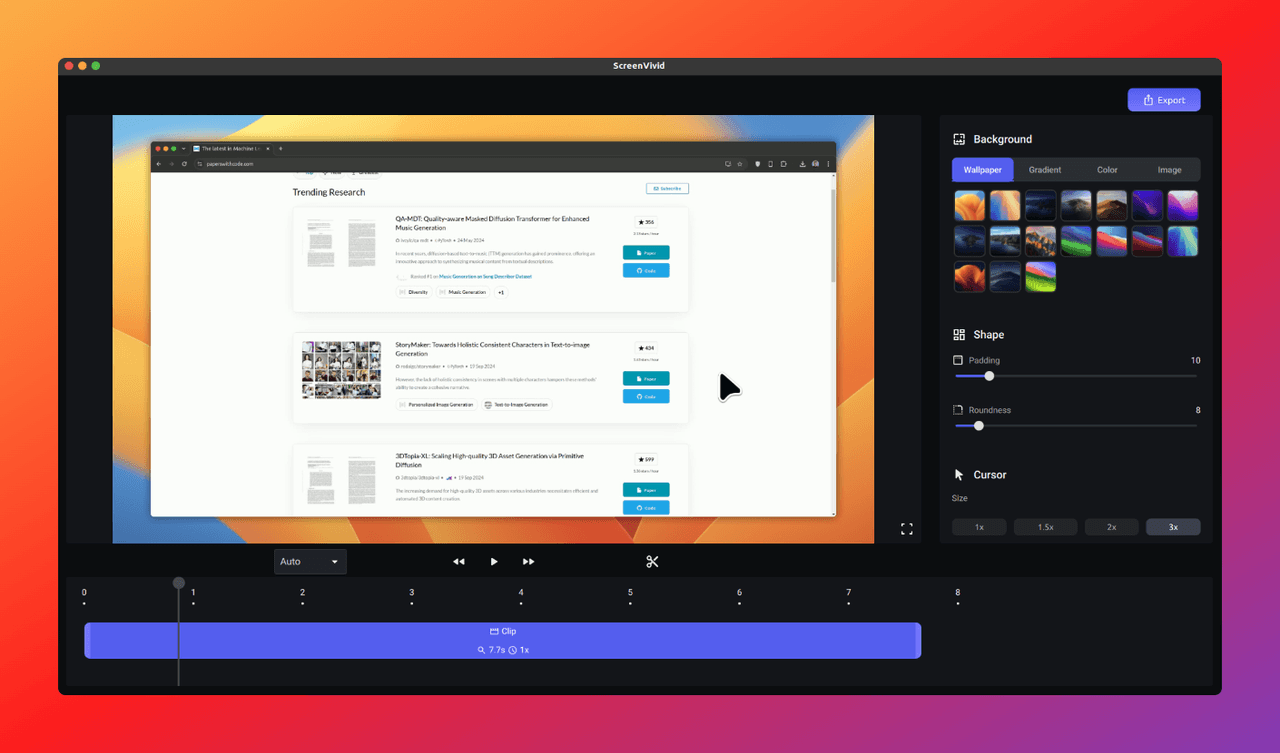
ScreenVivid is a simple, user-friendly screen recording application designed for effortless capture of tutorials, meetings, gameplay, and more across Windows, macOS, and Linux. It offers high-quality video recording with intuitive built-in editing features like backgrounds, padding, and visual enhancements to make recordings look professional without needing external tools. Built for accessibility and ease of use, ScreenVivid empowers users to create polished content directly from their desktop.
Stars
163Forks
17Last commit
4 months agoRepository age
1 yearLicense
MIT
Fetched from GitHub .
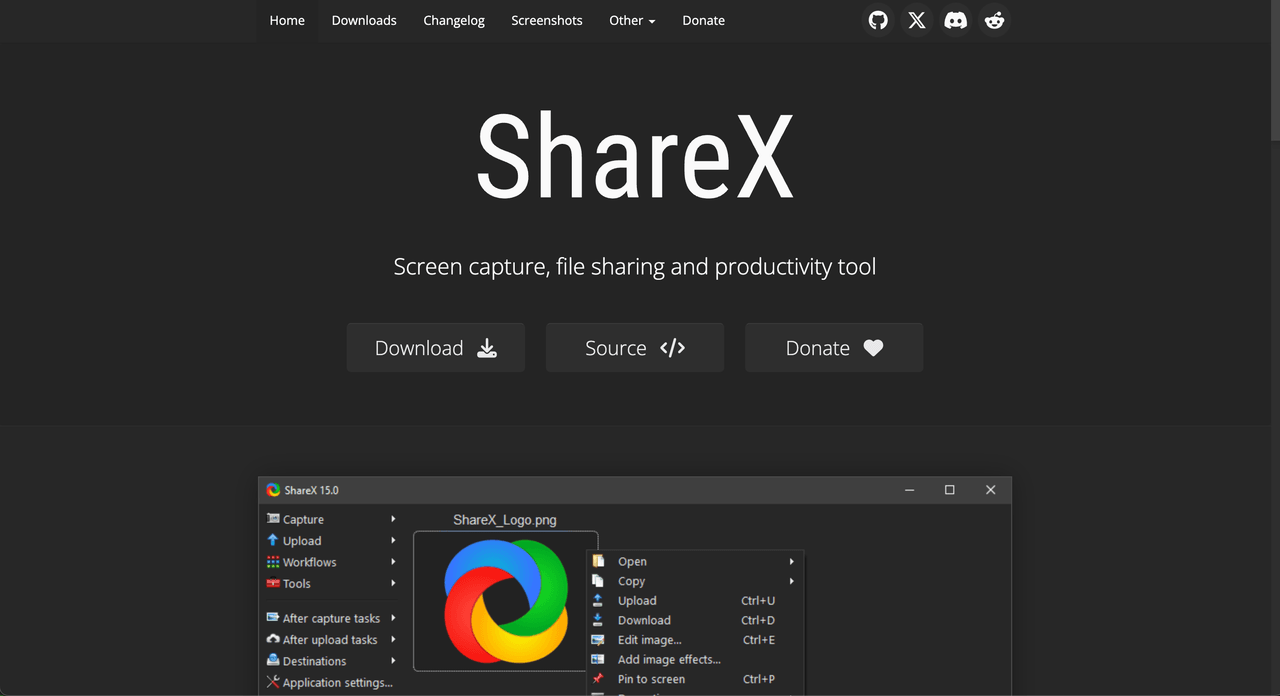
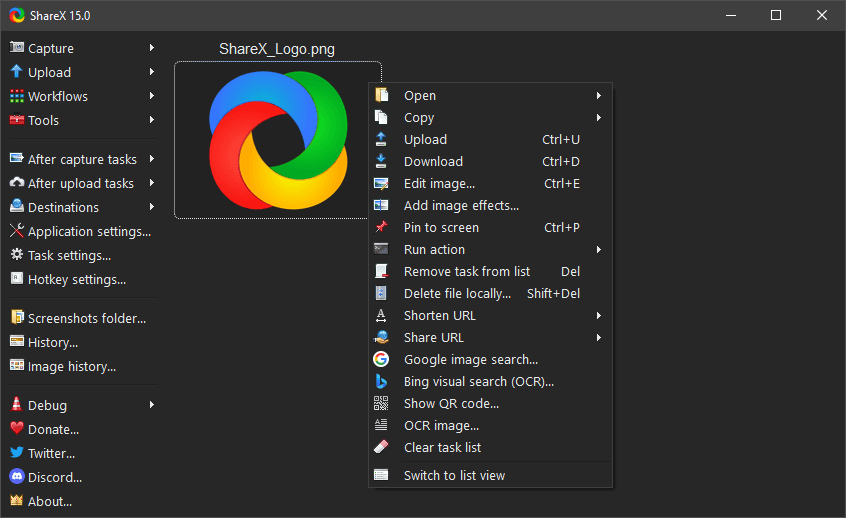
ShareX is a powerful, open-source application for Windows that enables users to capture or record any area of their screen with a single keystroke. It supports full-screen, active window, region, and scrolling captures, as well as screen recording in video and GIF formats—ideal for tutorials, bug reports, and content creation. After capture, it allows instant editing, annotation, and uploading to over 80 supported destinations including cloud storage, image hosts, and pastebins. With more than 16 years of active development, ShareX is a trusted tool for individuals and organizations seeking automation, customization, and privacy.
Tech Stack:
Stars
35,182Forks
3,572Last commit
2 months agoRepository age
12 yearsLicense
GPL-3.0
Fetched from GitHub .

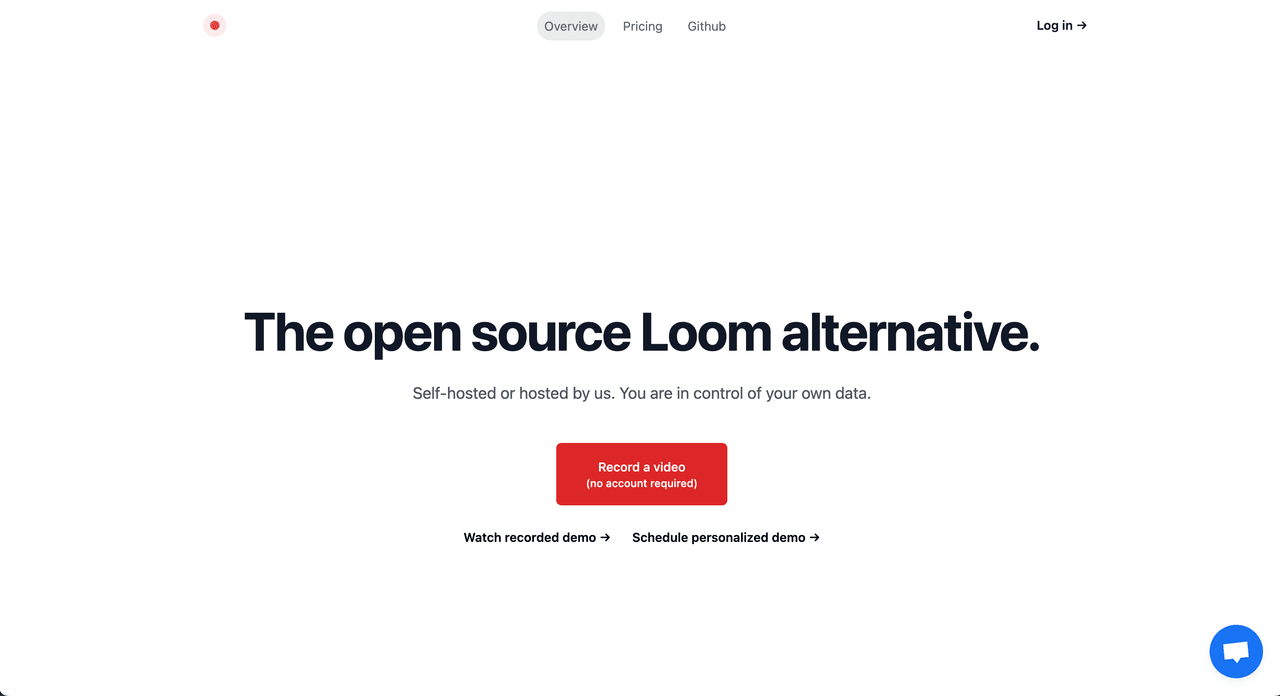
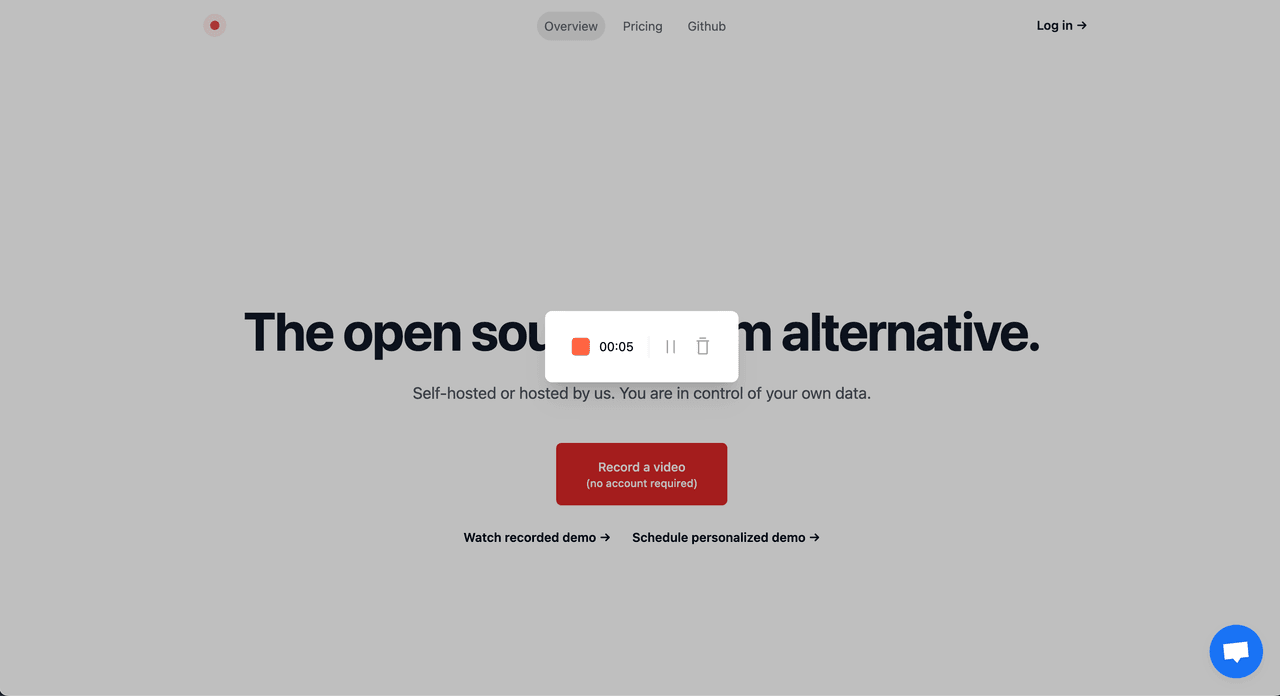
Snapify allows you to record and share recordings asynchronously with ease. Record your browser tab, desktop, or any application and instantly share them via a public link. It supports unlimited recordings and lets you upload existing videos for quick sharing. You can also set recordings to auto-delete or unlist after a specific timeframe for better privacy control. Built for simplicity and accessibility, Snapify empowers teams and individuals to communicate more effectively through video.
Tech Stack:

Stars
986Forks
129Last commit
1 year agoRepository age
3 yearsLicense
AGPL-3.0
Fetched from GitHub .
Command Palette
Search for a command to run...